Response Validation
Validate HTTP response status, headers, and body content with curl-runner. Learn about assertion rules, validation patterns, and automated testing.
Feature overview →Validate HTTP responses to ensure your APIs return expected results.
Overview
Response validation allows you to verify that your API responses meet expected criteria. curl-runner can validate status codes, headers, and response body content, making it perfect for API testing and monitoring.
Tip: Use the expect field in your request configuration to define validation rules. If validation fails, curl-runner will report the mismatch and mark the request as failed.
Status Code Validation
Validate that responses return expected HTTP status codes.
# Validate response status codes
request:
  name: API Health Check
  url: https://api.example.com/health
  method: GET
  expect:
status: 200 # Expect exactly 200# Multiple accepted status codes
request:
name: Get User
url: https://api.example.com/users/123
method: GET
expect:
status: [200, 304] # Accept either 200 or 304Common Status Patterns
- 2xx Success: 200, 201, 204
- 3xx Redirect: 301, 302, 304
- 4xx Client Error: 400, 401, 403, 404
- 5xx Server Error: 500, 502, 503
Header Validation
Verify that responses include expected headers with correct values.
# Validate response headers
request:
  name: API Response Headers
  url: https://api.example.com/data
  method: GET
  expect:
    status: 200
    headers:
      content-type: application/json
      x-api-version: "v2"
      cache-control: "no-cache"
Note: Header names are case-insensitive, but values are case-sensitive. Header values are compared exactly: regex patterns and * apply to body values only.
Body Validation
Validate response body content for JSON, text, or other formats.
# Validate response body content
request:
  name: Get User Profile
  url: https://api.example.com/users/1
  method: GET
  expect:
    status: 200
    body:
      id: 1
      username: "johndoe"
      email: "john@example.com"
      active: true
      token: $exists      # Key must be present (any value, incl. null)
deletedAt: $absent # Key must NOT be present in the response# Partial matching
request:
name: Check API Response
url: https://api.example.com/status
method: GET
expect:
body:
status: "operational" # Only check specific fields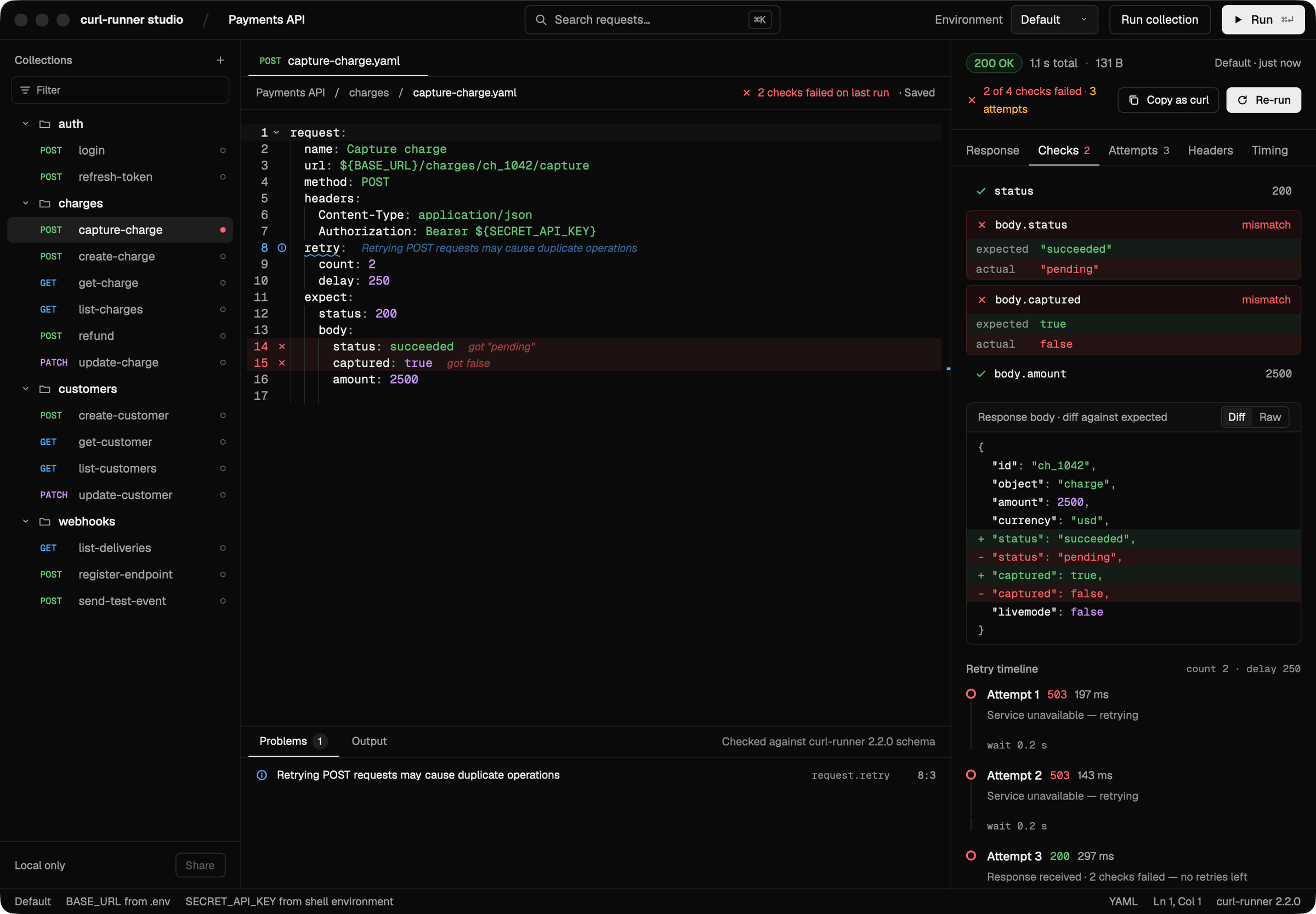
Validation Types
- Exact Match: Specify exact values that must match in the response.
body: { status: "ok" } - Partial Match: Only validate specific fields, ignore others.
body: { id: 123 } # Other fields ignored - Pattern Match: Use regex patterns for flexible validation.
body: { email: "^[a-z]+@[a-z]+\\.[a-z]+$" } - Wildcard Match: Use "*" to match a field with any value (does not enforce presence).
body: { token: "*" } # Any value - Absence Match: Use "$absent" to assert a key is NOT present. Fails even if the value is null.
body: { cssStyles: $absent } # Key must NOT exist - Existence Match: Use "$exists" to require a key to be present with any value (incl. null). Stricter than "*".
body: { token: $exists } # Key must exist
Complex Validation
Combine multiple validation rules for comprehensive testing.
# Complex validation scenarios
requests:
  - name: Create Resource
    url: https://api.example.com/resources
    method: POST
    headers:
      Content-Type: application/json
    body:
      name: "Test Resource"
      type: "document"
    expect:
      status: 201
      body:
        id: "^[0-9]+$"  # Validate format
        name: "Test Resource"
        createdAt: '^\d{4}-\d{2}-\d{2}'  # Date format

  - name: Validate Array Response
    url: https://api.example.com/items
    method: GET
    expect:
      status: 200
      body:
        - id: 1
          name: "Item 1"
        - id: 2
          name: "Item 2"
Collection Validation
Apply validation rules across collections with defaults and overrides.
# Validation in collections
global:
  variables:
    BASE_URL: https://api.example.com
  continueOnError: false  # Stop on validation failure

collection:
  name: API Test Suite
  defaults:
    expect:
      headers:
        content-type: application/json  # Default for all requests

  requests:
    - name: Login
      url: ${BASE_URL}/auth/login
      method: POST
      body:
        username: "testuser"
        password: "testpass"
      expect:
        status: 200
        body:
          token: '^[A-Za-z0-9-_]+\.[A-Za-z0-9-_]+\.[A-Za-z0-9-_]+$'  # JWT format
      store:
        token: body.token

    - name: Get Protected Resource
      url: ${BASE_URL}/protected
      headers:
        Authorization: "Bearer ${store.token}"
      expect:
        status: 200
        body:
          data: "*"  # Any non-null value
Validation Reference
| Field | Type | Description |
|---|---|---|
expect.status | number | number[] | Expected HTTP status code(s) |
expect.headers | object | Expected response headers |
expect.body | any | Expected response body content |
Best Practices
- Start Simple: Begin with basic status code validation, then add more complex rules as needed.
- Use Partial Matching: Don't validate entire response bodies unless necessary. Focus on critical fields to avoid brittle tests.
- Leverage Patterns: Use regex patterns for dynamic values like IDs, timestamps, or tokens that change between requests.
- Group Related Validations: Use collection defaults to apply common validation rules across multiple requests.
Parallel Execution
Execute HTTP requests in parallel for faster performance. Learn about concurrent request execution, performance optimization, and best practices.
Snapshot Testing
Save HTTP response snapshots with curl-runner and compare future runs against them. Snapshot testing for APIs that catches regressions early.